Power Generation emissions monitoring
Thermal generation emissions tracked across every operating regime.
Why power generation needs a live record
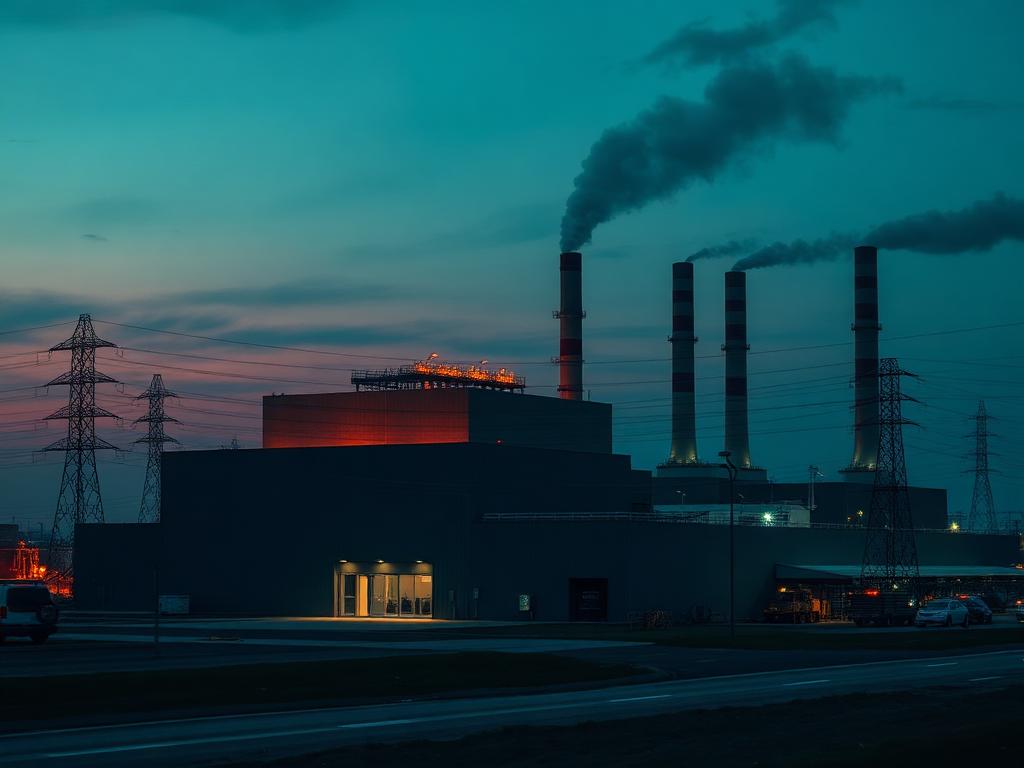
Thermal generation does not emit at one load. Start-up, baseload, peaking and fuel switching each write a different stack signature. GOCEMS tracks turbine exhausts through every operating regime, flags exceedances against the averaging period that applies, and keeps availability visible so a logger gap never looks like a clean hour.
- Regime-aware trends beside the live reading
- Calibration windows excluded from availability totals, not hidden
- Signed packs that match what the control room already saw
Monitoring focus
GOCEMS templates for power generation set the measurement points, thresholds and report shape for this sector.
- Turbine exhausts
- Load-based analysis
- Fuel switching
- Availability tracking
What the periodic test misses
- Load-based emission profiles that a single stack test cannot represent
- Fuel switching and dual-fuel operation changing stack chemistry mid-shift
- High availability expectations from the regulator on continuous series
Related GOCEMS solutions
Stack measurement, fence-line conditions and the audit trail are configured together for this sector.
Continuous Emissions Monitoring
Stack-level measurement, validation and reporting.
Continuous Emissions MonitoringEnvironmental Monitoring
Ambient air and site-boundary conditions.
Environmental MonitoringCompliance Monitoring
Thresholds, exceedances and audit-ready records.
Compliance Monitoring
Questions operators ask
Plain answers on how GOCEMS works for plants, environmental teams and the EPA.
Does GOCEMS handle start-up and peaking as well as baseload?
Yes. The series is continuous across operating regimes. Load context sits with the reading so an exceedance can be investigated against what the plant was actually doing.
How is data availability reported for power plants?
Valid intervals, calibration windows and downtime combine into the availability figure. A missing packet is a gap, not a fabricated zero.
Bring your own stacks, limits and reporting calendar.
A walkthrough maps your site onto GOCEMS: instruments, averaging periods, who gets the alert, and what the signed report looks like.